
Square POS setup for your industry
Square describes its software as “Square Point of Sale, which includes business solutions for restaurants, retail, services, and beauty.” Roots configures it for your business: menu or catalog, taxes, staff and locations.Free 30-minute consultation. Review your setup, compare options and leave with clear next steps.The details that make your setup fast at the counter
Menus & catalogs
Taxes & discounts
Staff & roles
Locations
Square Point of Sale in your operation
Organize the sale around the item or service rather than entering an unexplained total. A useful POS setup connects the product catalog, payment, receipt and customer record so the person serving the customer and the person reconciling the day are working from the same transaction.
Design the sale before configuring the screen
Start with the decisions an employee makes during a sale: finding the item, choosing a variant or modifier, confirming the price and accepting payment. The catalog should answer those questions in the order staff need them. Separate manager actions from routine selling so price changes and refunds have a clear owner.
Closing the day is part of checkout design. Agree which report explains cash, card payments, refunds and any open orders. Train the team on the exception paths as well as a clean sale; the first return or split payment should feel familiar rather than becoming an improvised procedure.
Decisions to make before setup
Walk through a normal sale, a return, a partial refund and a shift handover. Decide who may change prices, issue refunds and view reports, then teach the staff using those exact transactions.
Use the setup discussion to settle checkout stations, item categories, customer receipts and staff permissions. Put the decisions into the staff procedure and test transactions, so the configuration can be checked against actual work. Identify which records already exist in your software and which will need to be created, imported or connected during the project.
Reporting and day-to-day review
Focus the review on transaction count, refunds, payment-method totals and end-of-day reconciliation. Decide who checks those records, which exceptions require action and where the final totals are reconciled. Keep a payment or order reference attached to every correction so the next employee can understand the history rather than reconstructing it from an amount and a date.
Plan the setup around your business
Prepare a representative transaction and the records your team uses today, including the reports that must match after a payment. Roots uses the free review to define the workflow, the systems involved and the handoffs that need to improve. A concrete transaction is more useful than starting with a list of unrelated features.
Request a quote for the setup or project you need. The scope should identify configuration, migration or development work, staff training and the checks used to confirm readiness. Agree the operating owner for each handoff before launch, then review the first working period against the same cases used in the setup.
Square’s hardware, presented clearly.
Choose the device for how you sell. Square supplies the products; Roots helps you assess fit, configure your setup and train your team.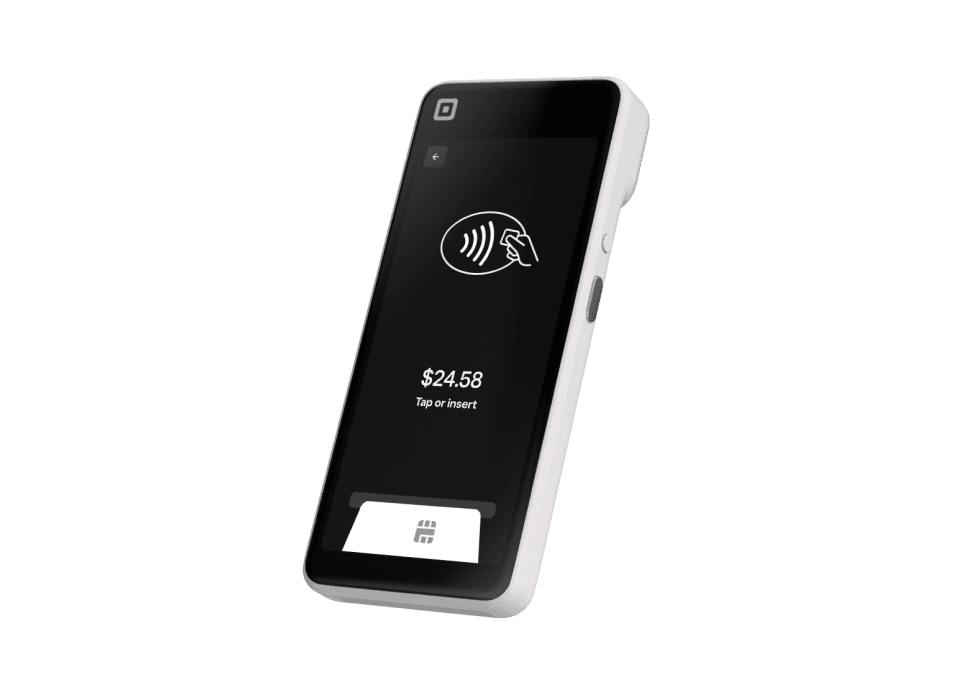
Square Handheld
A pocketable POS for taking orders, accepting payments and managing inventory away from the counter.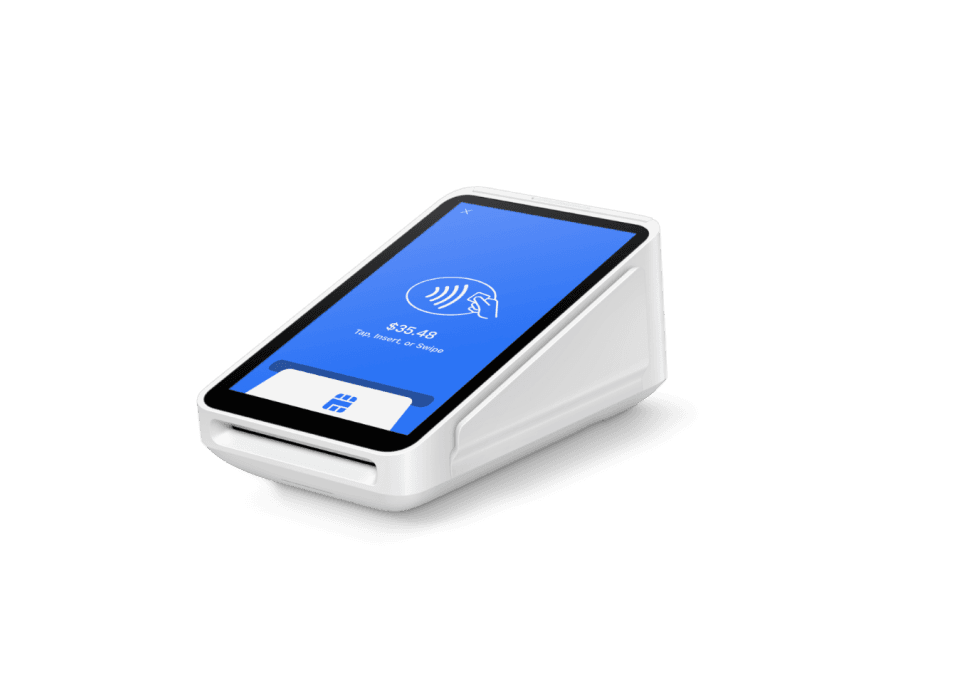
Square Terminal
A compact payment device with a built-in receipt printer for countertop or portable checkout.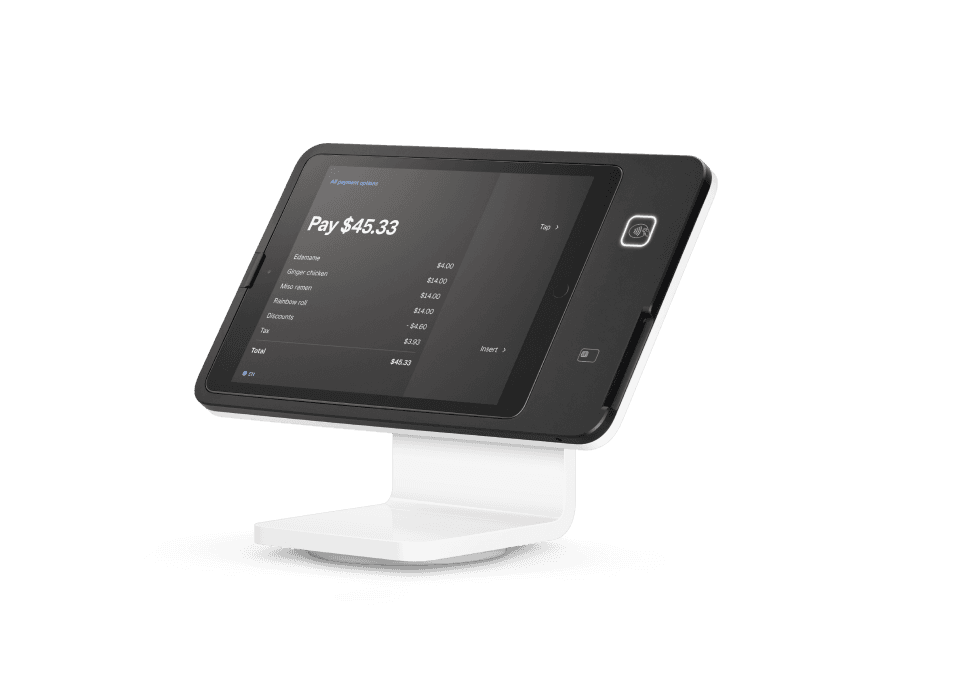
Square Stand
A swiveling iPad POS with payment acceptance built into the stand.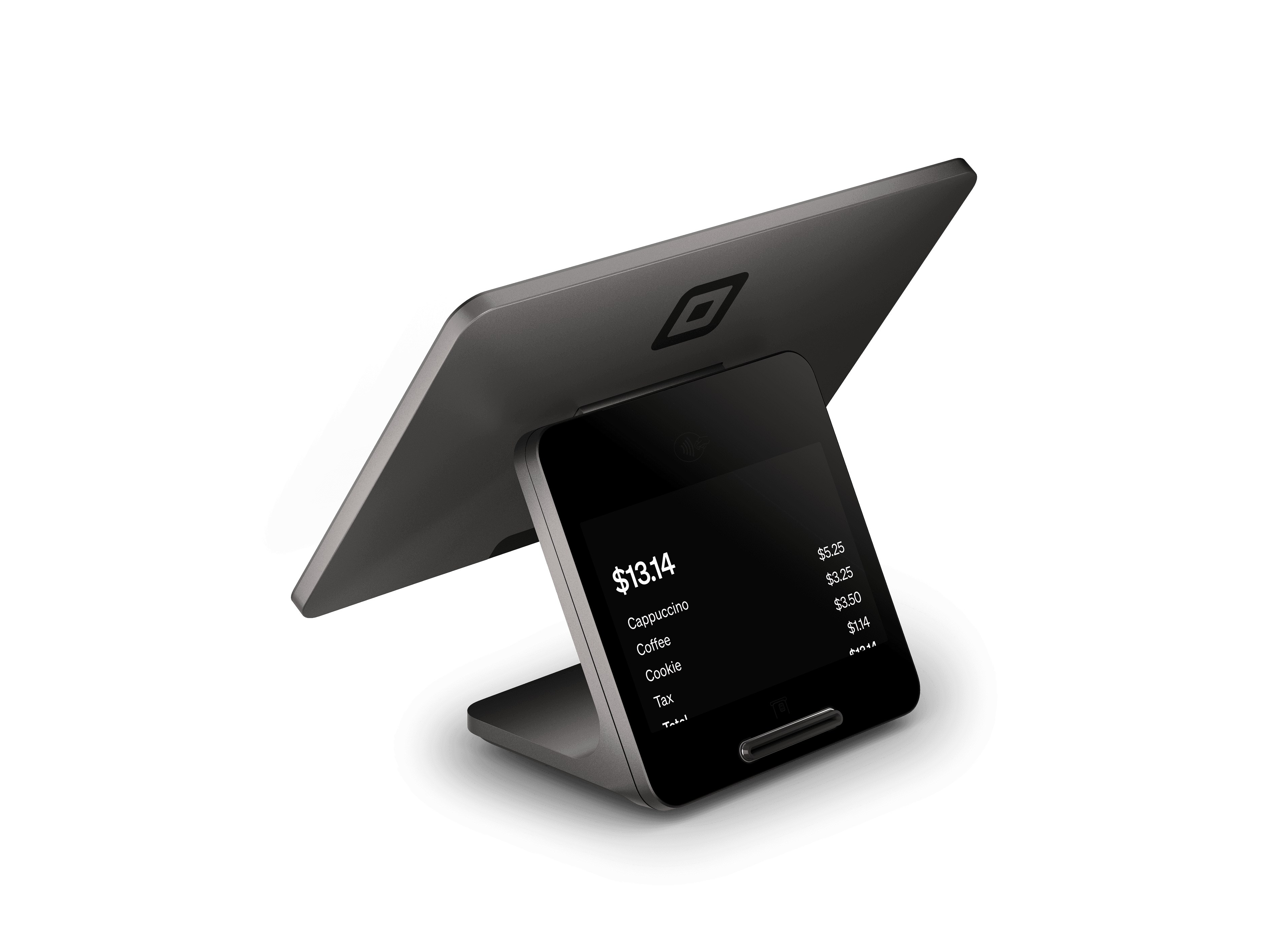
Square Register
A complete countertop POS with separate seller and customer displays.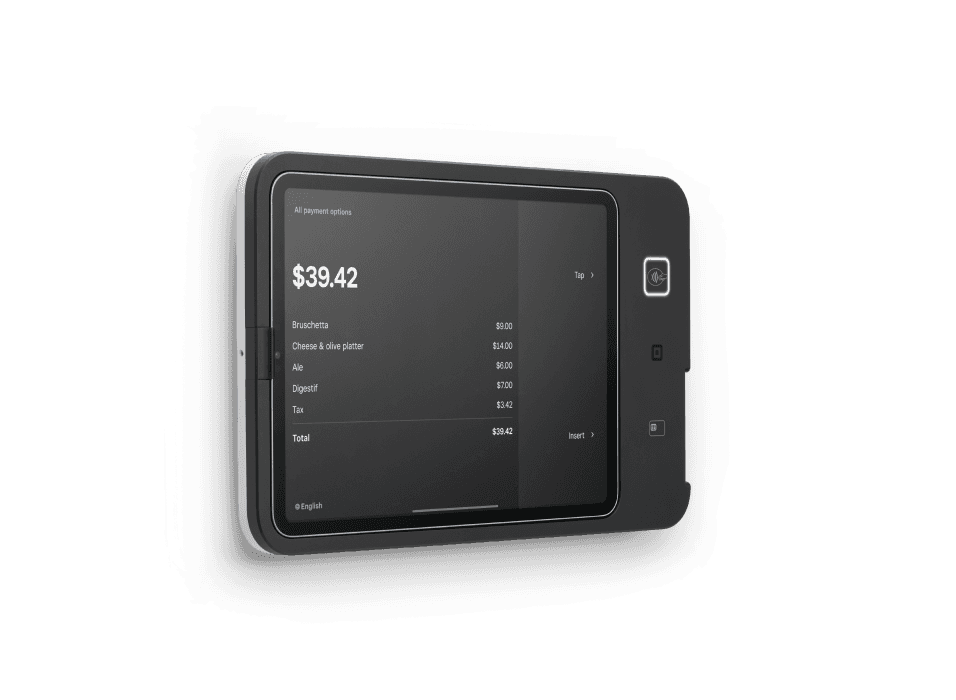
Square Kiosk
Self-service ordering hardware that lets customers select their order and pay at an iPad station.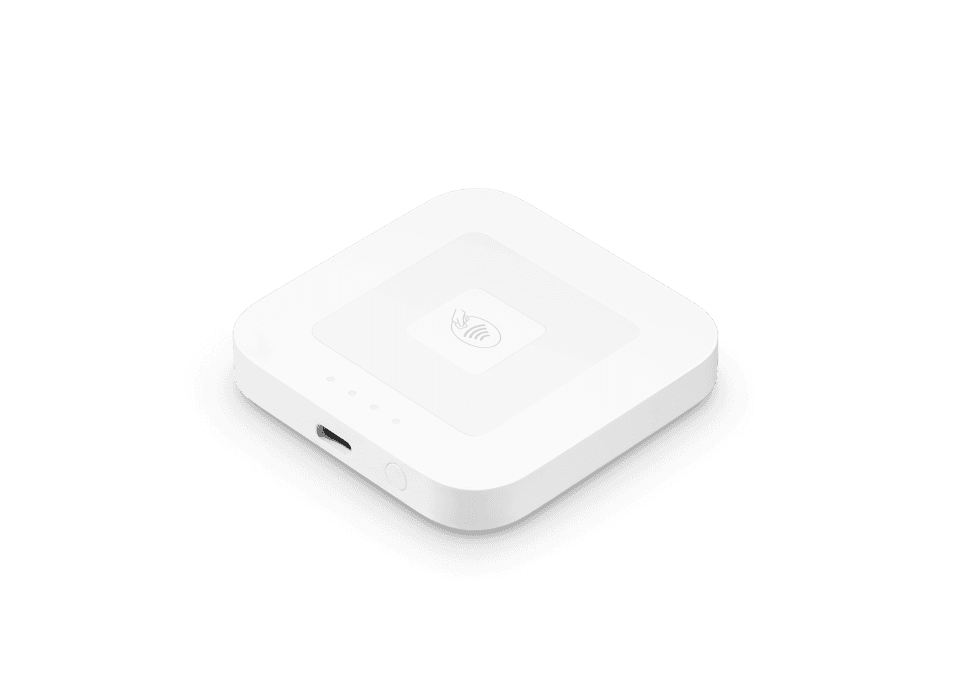
Square Reader for contactless and chip
A compact wireless reader for chip cards, contactless cards and digital wallets.Square Register shown; see Square for bundle contents.Square Register Retail Kit
A Square Register hardware bundle for retail checkout and label printing.Choose your next step with Square
Book Roots setup guidance, sign up directly with Square, or explore the dedicated 4% cash-discount signup option.Roots Payments is an independent Square Reseller. High-risk businesses follow a separate specialized processing path.Choose your Roots setup
The Square software description from Square’s official Square hardware page, retrieved September 24, 2026. Square products and pricing are provided by Square and may change.
Square Point of Sale for your industry
Bakeries & Dessert Shops
Bring pastries, cakes and custom dessert orders into a point-of-sale workflow, with reporting organized around custom orders, pickup dates and ingredient stock.Bars & Nightlife
Bring bar tabs, cover charges and private events into a point-of-sale workflow, with reporting organized around tabs, drink orders, tips and shift closeouts.Breweries, Wineries & Distilleries
Bring tasting-room sales, bottles and merchandise into a point-of-sale workflow, with reporting organized around tasting-room checks, bottle stock and club orders.Food Trucks & Mobile Vendors
Bring food-truck meals, concessions and market orders into a point-of-sale workflow, with reporting organized around menu orders, event totals and mobile sales.Food Producers & Cottage Food
Bring packaged foods, farmers-market sales and wholesale orders into a point-of-sale workflow, with reporting organized around batch orders, wholesale invoices and product stock.Jewelry Stores
Bring jewelry purchases, repairs and custom pieces into a point-of-sale workflow, with reporting organized around custom-piece deposits, item details and repair tickets.Gift Shops
Bring gifts, souvenirs and personalized items into a point-of-sale workflow, with reporting organized around gift stock, personalization requests and seasonal orders.Bike Shops
Bring bicycles, parts, rentals and repairs into a point-of-sale workflow, with reporting organized around bike serials, repair tickets and parts stock.Thrift, Resale & Consignment
Bring resale goods, vintage items and consignment purchases into a point-of-sale workflow, with reporting organized around item ownership, consignment balances and resale stock.Florists
Bring bouquets, arrangements and event flowers into a point-of-sale workflow, with reporting organized around delivery dates, arrangement orders and event deposits.Art Galleries
Bring artwork, commissions and framing orders into a point-of-sale workflow, with reporting organized around artwork provenance, commissions and artist settlements.Bookstores
Bring books, comics and event merchandise into a point-of-sale workflow, with reporting organized around ISBNs, preorders and book stock.Pop-Ups & Market Vendors
Bring pop-up purchases and craft-market orders into a point-of-sale workflow, with reporting organized around event sales, item stock and vendor fees.Farmers Markets
Bring produce, farm goods and market purchases into a point-of-sale workflow, with reporting organized around market totals, produce orders and vendor settlements.Ecommerce & Omnichannel Retail
Bring online orders, in-store purchases and marketplace sales into a point-of-sale workflow, with reporting organized around online orders, store stock and refunds.Electronics & Phone Repair
Bring electronics, accessories and device repairs into a point-of-sale workflow, with reporting organized around device identifiers, repair tickets and parts stock.Hair Salons & Barbershops
Bring haircuts, styling, beauty products and gratuities into a point-of-sale workflow, with reporting organized around appointments, stylist totals and retail stock.Skin, Lash, Brow & Tanning
Bring lash, brow, skincare and tanning services into a point-of-sale workflow, with reporting organized around treatment appointments, packages and product sales.Spas & Massage
Bring massage, spa treatments and wellness products into a point-of-sale workflow, with reporting organized around treatment bookings, gratuities and package balances.Tattoo, Piercing & Body Art
Bring tattoos, piercings and aftercare products into a point-of-sale workflow, with reporting organized around appointment deposits, design approvals and aftercare sales.Gyms & Fitness
Bring gym access, training sessions and fitness products into a point-of-sale workflow, with reporting organized around membership balances, class bookings and training sessions.Yoga, Pilates & Mind-Body Studios
Bring yoga classes, Pilates sessions and studio merchandise into a point-of-sale workflow, with reporting organized around class attendance, memberships and session balances.Martial Arts, Dance & Youth Activities
Bring classes, uniforms and activity registrations into a point-of-sale workflow, with reporting organized around student enrollments, tuition balances and class schedules.Wellness & Recovery Centers
Bring recovery sessions, wellness services and products into a point-of-sale workflow, with reporting organized around treatment bookings, package balances and product sales.Medical Wellness & Telehealth
Bring wellness consultations and treatment charges into a point-of-sale workflow, with reporting organized around patient balances, appointment records and treatment invoices.Holistic & Integrative Health
Bring integrative consultations and practitioner services into a point-of-sale workflow, with reporting organized around consultation invoices, appointments and package balances.Medical Practices
Bring patient balances, copays and consultation charges into a point-of-sale workflow, with reporting organized around patient invoices, copays and appointment balances.Dental Practices
Bring dental visits, treatment deposits and patient balances into a point-of-sale workflow, with reporting organized around treatment estimates, deposits and patient invoices.Optometry & Eye Care
Bring eye exams, eyewear and optical orders into a point-of-sale workflow, with reporting organized around exam charges, eyewear orders and patient balances.Chiropractic, Physical Therapy & Allied Health
Bring therapy visits and rehabilitation charges into a point-of-sale workflow, with reporting organized around session invoices, visit counts and patient balances.Mental Health & Therapy Practices
Bring therapy sessions and psychiatric consultations into a point-of-sale workflow, with reporting organized around session invoices, appointments and patient balances.Veterinary Practices
Bring veterinary visits, procedures and pet-care products into a point-of-sale workflow, with reporting organized around treatment estimates, client invoices and pet-care sales.Pharmacies
Bring prescriptions, health supplies and pharmacy purchases into a point-of-sale workflow, with reporting organized around prescription charges, eligible items and customer invoices.Law Firms & Legal Services
Bring consultation fees, retainers and legal invoices into a point-of-sale workflow, with reporting organized around matter references, retainers and operating-account invoices.Accounting & Tax Firms
Bring accounting engagements and preparation fees into a point-of-sale workflow, with reporting organized around engagement invoices, retainers and client account balances.Architecture, Engineering & Design Firms
Bring design retainers and project milestone invoices into a point-of-sale workflow, with reporting organized around project codes, progress invoices and retainer balances.Photography & Video
Bring photo sessions, video projects and print orders into a point-of-sale workflow, with reporting organized around session deposits, licensing details and project invoices.Construction & Remodeling Contractors
Bring project deposits, progress invoices and final balances into a point-of-sale workflow, with reporting organized around job codes, change orders and milestone invoices.Home Repair & Trades
Bring repair calls, installation deposits and service invoices into a point-of-sale workflow, with reporting organized around work orders, parts charges and job balances.Lawn, Landscape & Outdoor Services
Bring lawn services, landscape projects and maintenance charges into a point-of-sale workflow, with reporting organized around route visits, project quotes and service invoices.Cleaning, Janitorial & Restoration
Bring cleaning visits, restoration projects and service invoices into a point-of-sale workflow, with reporting organized around job records, visit schedules and client invoices.Moving & Storage
Bring moving deposits, storage rent and service balances into a point-of-sale workflow, with reporting organized around move quotes, unit balances and service invoices.Security, Locksmith & Smart Home
Bring security installations, service calls and equipment into a point-of-sale workflow, with reporting organized around equipment orders, work orders and service contracts.Solar & Home Energy
Bring installation deposits, energy projects and equipment into a point-of-sale workflow, with reporting organized around project milestones, equipment invoices and deposit balances.Auto Repair & Service
Bring vehicle repairs, service visits and parts into a point-of-sale workflow, with reporting organized around repair orders, labor charges and parts stock.Vehicle Dealerships
Bring vehicle deposits, service charges and accessories into a point-of-sale workflow, with reporting organized around vehicle references, purchase deposits and service invoices.Car Wash, Detailing & Appearance
Bring car washes, detailing packages and appearance services into a point-of-sale workflow, with reporting organized around vehicle services, membership balances and wash totals.Towing, Roadside & Transport
Bring towing calls, roadside services and storage charges into a point-of-sale workflow, with reporting organized around dispatch references, tow invoices and storage balances.Auto Parts & Accessories
Bring vehicle parts, accessories and trade orders into a point-of-sale workflow, with reporting organized around part numbers, fitment details and wholesale invoices.Hotels & Lodging
Bring room deposits, guest stays and hotel services into a point-of-sale workflow, with reporting organized around guest folios, booking deposits and room charges.Campgrounds, Marinas & Outdoor Recreation
Bring campsite bookings, marina services and activity rentals into a point-of-sale workflow, with reporting organized around reservation deposits, rental balances and site fees.Tours & Travel
Bring tour bookings, travel deposits and activity tickets into a point-of-sale workflow, with reporting organized around booking references, passenger counts and deposit balances.Events & Event Services
Bring venue deposits, event packages and final balances into a point-of-sale workflow, with reporting organized around event dates, deposits and vendor invoices.Live Entertainment & Ticketing
Bring tickets, concessions and event merchandise into a point-of-sale workflow, with reporting organized around ticket orders, event totals and performer settlements.Sports & Recreation
Bring league registrations, facility rentals and concessions into a point-of-sale workflow, with reporting organized around registrations, facility bookings and team balances.Amusement & Attractions
Bring admission tickets, concessions and activity passes into a point-of-sale workflow, with reporting organized around admission orders, wristband balances and daily totals.Museums, Cinemas & Cultural Attractions
Bring admission tickets, workshops and cultural merchandise into a point-of-sale workflow, with reporting organized around ticket orders, workshop enrollments and membership balances.Parking
Bring parking sessions, permits and valet services into a point-of-sale workflow, with reporting organized around parking sessions, permit balances and event totals.Education & Schools
Bring tuition, course enrollments and school activities into a point-of-sale workflow, with reporting organized around student references, tuition balances and enrollment records.Childcare & Early Education
Bring childcare tuition, registration and activity fees into a point-of-sale workflow, with reporting organized around family accounts, attendance references and tuition balances.Nonprofits & Charities
Bring donations, fundraising sales and program fees into a point-of-sale workflow, with reporting organized around donor references, campaign totals and program invoices.Churches & Religious Organizations
Bring donations, event registrations and community programs into a point-of-sale workflow, with reporting organized around giving records, event enrollments and campaign totals.Wholesale & Distribution
Bring wholesale orders, trade invoices and delivery charges into a point-of-sale workflow, with reporting organized around purchase orders, invoice lines and shipment references.Manufacturing
Bring production orders, project deposits and trade invoices into a point-of-sale workflow, with reporting organized around purchase orders, job lots and milestone invoices.Agriculture & Farming
Bring farm products, equipment services and wholesale orders into a point-of-sale workflow, with reporting organized around crop orders, market totals and wholesale invoices.
Square POS setup questions
Related resources
Is Square a Good Fit? A Merchant Workflow Assessment
Assess Square against your sales, staffing, reporting and integration needs. Use a merchant worksheet to check eligibility, required features, costs and setup owners.
Square vs Clover: fees, plans and which fits your business
Square vs Clover compared with dated, sourced pricing: card rates, monthly software, hardware and contract terms, plus when each one fits.
Shopify POS vs Square for retail
Shopify POS vs Square compared with dated, sourced pricing: in-person and online rates, monthly plans, and which fits in-person versus ecommerce-first retail.
Square vs Toast for restaurants
Square vs Toast for restaurants, with dated, sourced pricing: processing, monthly software, hardware and contracts, and which fits your concept.
Square alternatives: POS systems and payment options
Compare Square alternatives by eligibility, POS workflow, terms and payment needs. Decide whether you need a POS replacement or an additional service.